What do I need a login and password for?
You can use your library login and password to sign in to several different resources. Your login and password give you access to:
- Libby/Overdrive
- Museum Passes
- Library Account
- Renew
- Place Holds
- Submit ILL Requests
I don’t have an HSL username/login.
Everyone has an online HSL username/login. This is created automatically when you get a card at our Library. Your username/login is your first name (period) last name. [Example: franklin.worcester]
You can also use your library barcode as a login/username. Enter all of the numbers on the back of your card without any spaces.
How do I set, or reset, my password?
Easily! Follow the step by step instructions below!
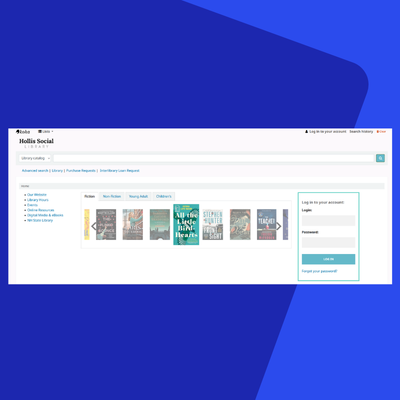

Find where you login to your account, select “Forgot your password?”
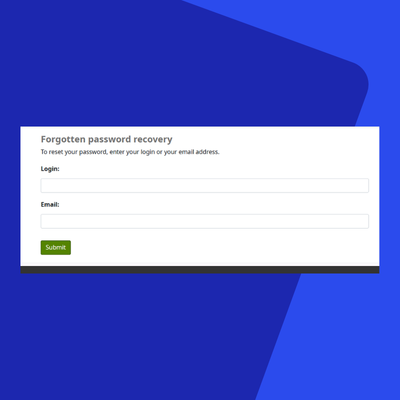
Enter your login and email. Your login is your first name (period) last name. (Example: franklin.worcester)

You will receive a reset password email with a link to reset your password. Click the link.
This email will come from helpdesk@hollislibrary.org. Make sure to check your spam or junk folders if you don’t receive it in your inbox.

Enter a new password for your account. Remember that your new password must be 6 characters long and contain contain at least one number, one lowercase, and one uppercase.